Catch mail falsely marked as spam
Spam filtering is silent by design — spam gets blocked and you never think about it. The catch is the rare real email that gets caught in the net too. It disappears without a trace, and you'd have no idea it was ever sent.
The Daily Spam Summary closes that gap. Switch it on for a domain, and the destination addresses you forward to get a daily summary of the spam ImprovMX blocked for them — who each message was from and what the subject was. If we accidentally caught a real email in the spam net, you can download and read it.
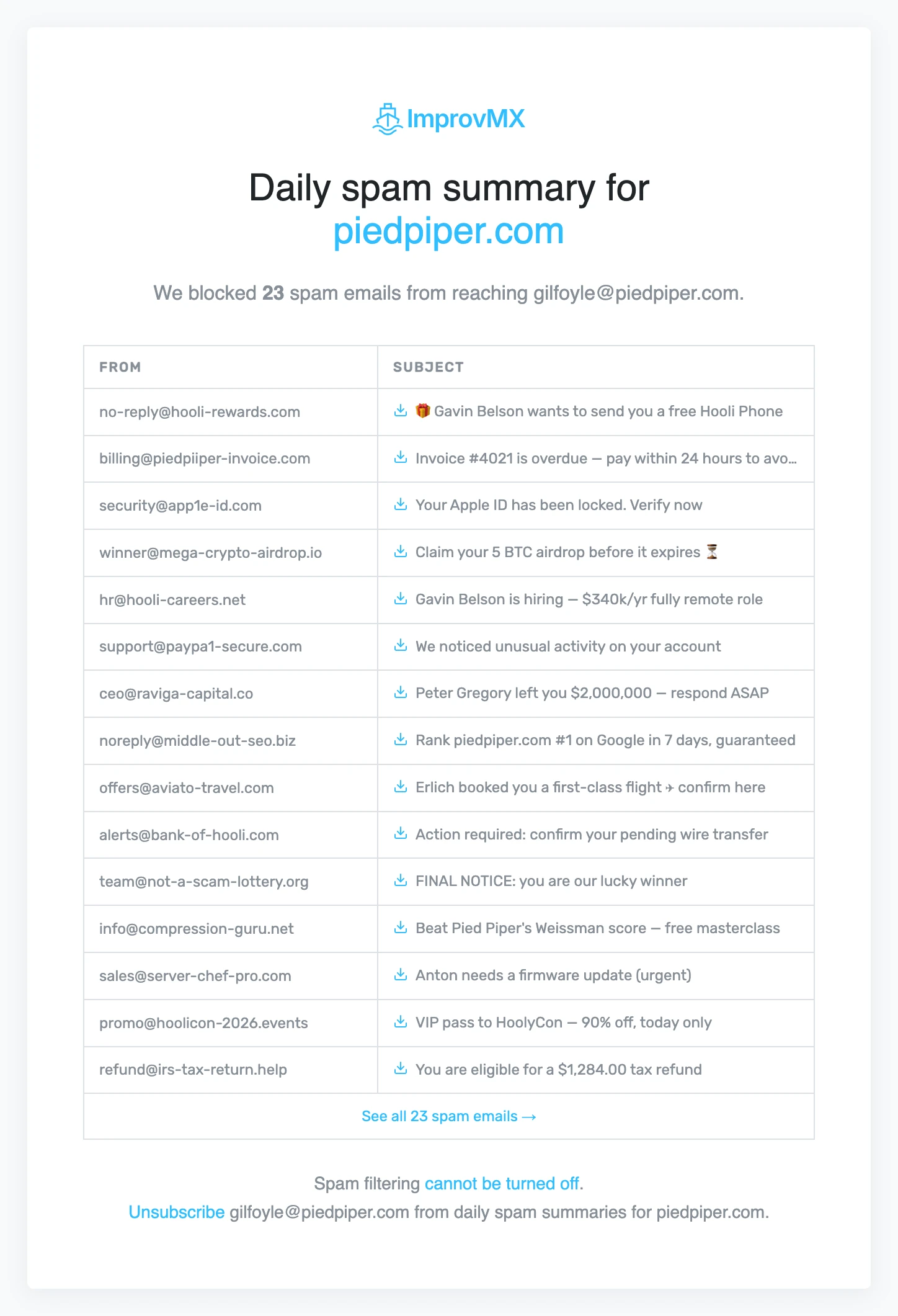
How to turn it on
- Log in to ImprovMX and open your domain's Settings.
- Toggle on Daily Spam Summary and save.
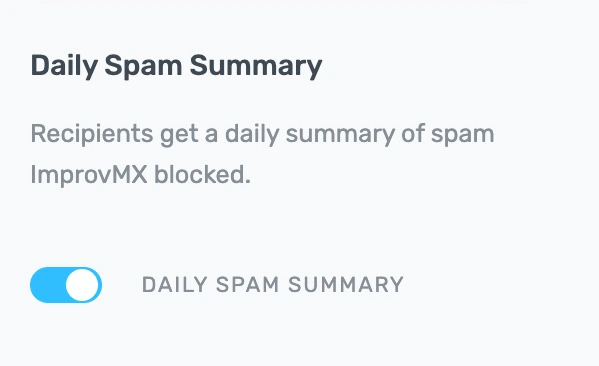
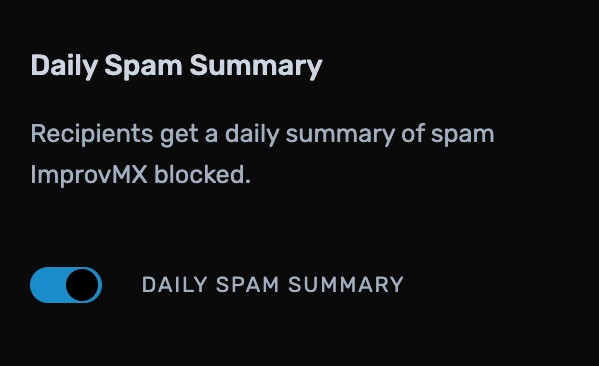
One thing it won't do is switch spam filtering off — that stays on for everyone (here's why). The summary just gives you a window into it. Don't need it on a domain? Flip the toggle back off.
Got feedback or ideas? Drop us a line at — or check out our public feature roadmap to see what's coming next.

Mustapha Singlee
Developer